



Account registration guide
Diwa Rich Sign Up – Create Your Account in Minutes
Registering on Diwa Rich takes only a few taps, but small mistakes such as a mistyped number, a weak password or an unverified email can cause lockouts later. This guide walks through every step of the sign-up process on Android, explains the optional referral code, and shows how to fix the most common registration problems.
18+ only. Real-money play carries risk of loss. Play for entertainment, not income.

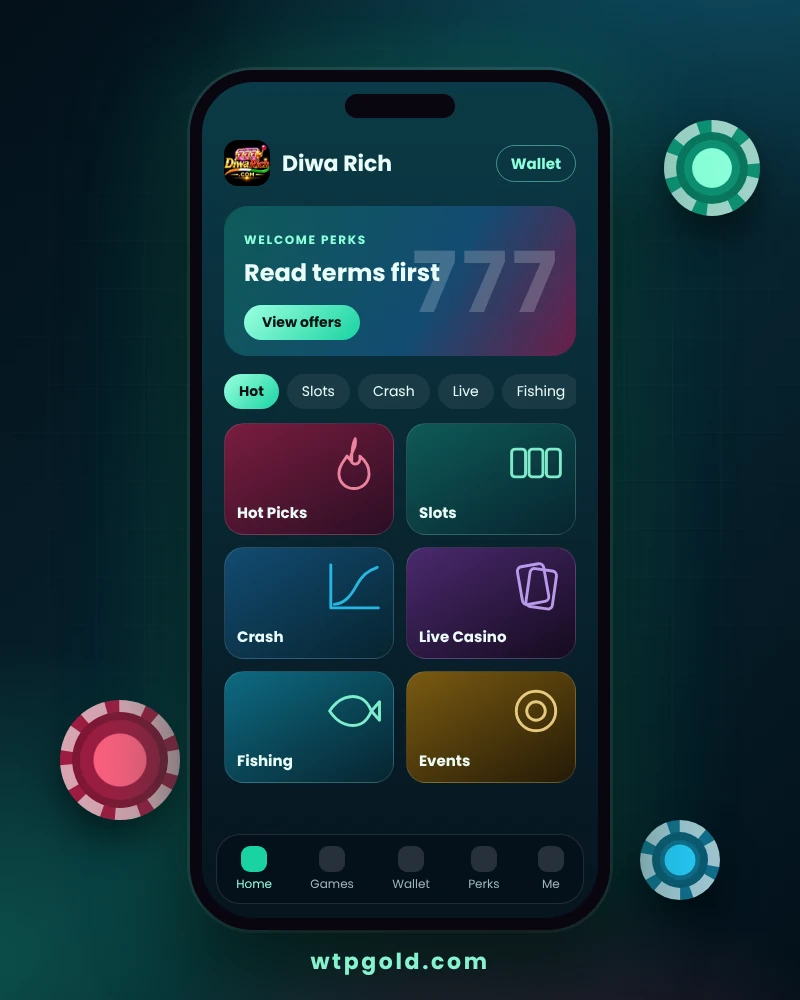
What You Need Before Registering on Diwa Rich
Having the right details ready makes sign-up smoother and avoids failed verification. Check this list before you open the app.
| Requirement | Details |
|---|---|
| Age | You must be 18 or older. Do not register if you are under 18. |
| Location | Online gaming rules differ by state in India. Confirm that real-money gaming is permitted where you live. |
| Contact detail | An active mobile number or email address that only you can access. |
| Device | Android 7.0 (Nougat) or higher with at least 2 GB RAM. |
| Password | A unique password you do not use on any other account. |
| Referral code | Optional. Only needed if an existing user invited you. |
How to Sign Up for Diwa Rich on Android
Follow the steps in order. Each one takes only a few seconds.
Install the Official App
Download the latest Diwa Rich APK from the official download page and install it on your Android phone.
Tap Register
Open the app and tap Register or Sign Up on the opening screen to start a new profile.
Enter Mobile or Email
Use an active mobile number or email address that you control, because verification codes and recovery links are sent there.
Create a Strong Password
Combine uppercase and lowercase letters, numbers and symbols. Do not reuse your email or banking password.
Add a Referral Code (Optional)
If a friend invited you, type their code in the referral field. Leave it empty if you do not have one.
Confirm & Activate
Review every detail, tap Register and complete any OTP verification to activate the account.
Using a Referral Code Correctly
A referral code links your new account to the player who invited you. Whether any reward is attached depends on the current promotion rules inside the app.
Enter It During Sign-Up
The referral field appears on the registration form. Type the code exactly as shared, without extra spaces.
You Cannot Add It Later
In most cases the code must be entered at registration, so check it before you tap Register.
Read the Reward Terms
Referral rewards may require a qualifying action such as a first deposit. Always read the terms before expecting any bonus.
Account Security Tips for New Users
Good habits from day one keep your wallet and personal data safe.
Use a Unique Password
Avoid birthdays, phone numbers and sequences such as 123456. A password manager helps.
Never Share OTPs
Real support staff never ask for your password or one-time codes. Anyone who does is attempting fraud.
Register Only on the Official App
Fake sites copy logos to steal logins. Check the domain spelling and install only the official APK.
Use Your Own Details
Use a number and email in your own name so withdrawals and recovery work without delays.
Keep the App Updated
Updates include security fixes and compatibility improvements for newer Android versions.
Avoid Public Wi-Fi
Register and log in from trusted home Wi-Fi or mobile data rather than open hotspots.
Common Sign-Up Problems and Fixes
Most registration errors have a simple cause. Try these fixes before contacting support.
OTP Not Received
Check your signal, make sure the number is correct and wait a minute before requesting a new code. Avoid tapping resend repeatedly.
Account Already Exists
The mobile number or email is already registered. Use the login page or reset your password instead of creating a duplicate.
Referral Code Rejected
Re-check spelling and capitalization. If it still fails, register without the code rather than losing time.
Password Not Accepted
Add uppercase letters, numbers and a symbol, and make it longer. Remove spaces at the start or end.
Network Error
Switch between Wi-Fi and mobile data, close other apps and try again. A stable 4G/5G or Wi-Fi connection is recommended.
Still Stuck?
Take a screenshot of the error and send it to support through the contact page, never including your password or OTP.
More Diwa Rich Guides
Browse the other pages of this guide for registration, login, download, support and legal information.
Log In
Sign in safely, recover a forgotten password and fix common login errors.
Download APK
Get the official Diwa Rich Android APK, check requirements and install it correctly.
About Us
Learn who writes this guide and how we keep information accurate and responsible.
Contact Us
Find out how to reach support and what to include so issues get solved faster.
Disclaimer
Read the legal, age and risk notices that apply to everything on this site.
Diwa Rich Sign Up – Frequently Asked Questions
Is it free to sign up on Diwa Rich?
Yes. Creating an account costs nothing. You only spend money if you choose to deposit funds and play real-money games.
Can I register with an email instead of a mobile number?
The registration form accepts an active mobile number or an email address that you can verify. Use the contact method you check most often.
How old do I have to be to register?
You must be at least 18 years old. Accounts may be reviewed and restricted if a user is found to be underage.
Do I need a referral code to sign up?
No. The referral code is optional. Enter it only if a current user invited you.
Can I create more than one account?
Multiple accounts for one person are generally not allowed and can lead to restrictions. Use a single account and keep its details safe.
Is online gaming legal where I live?
Rules differ by state and have changed in recent years. Check the law that applies to you before you register, and do not play where it is prohibited.